
The problem
The directory served people across the university, but its behavior wasn’t fully documented. Replacing it meant more than rebuilding screens. We needed to understand the existing system and reconcile the needs of the teams responsible for its data, access rules, and day-to-day use.
What we built
We rebuilt the directory around that shared understanding.
- Investigated the legacy code to uncover existing behavior and dependencies.
- Worked with university stakeholders to clarify requirements and priorities.
- Connected the replacement to Tufts’ existing data and sign-in systems.
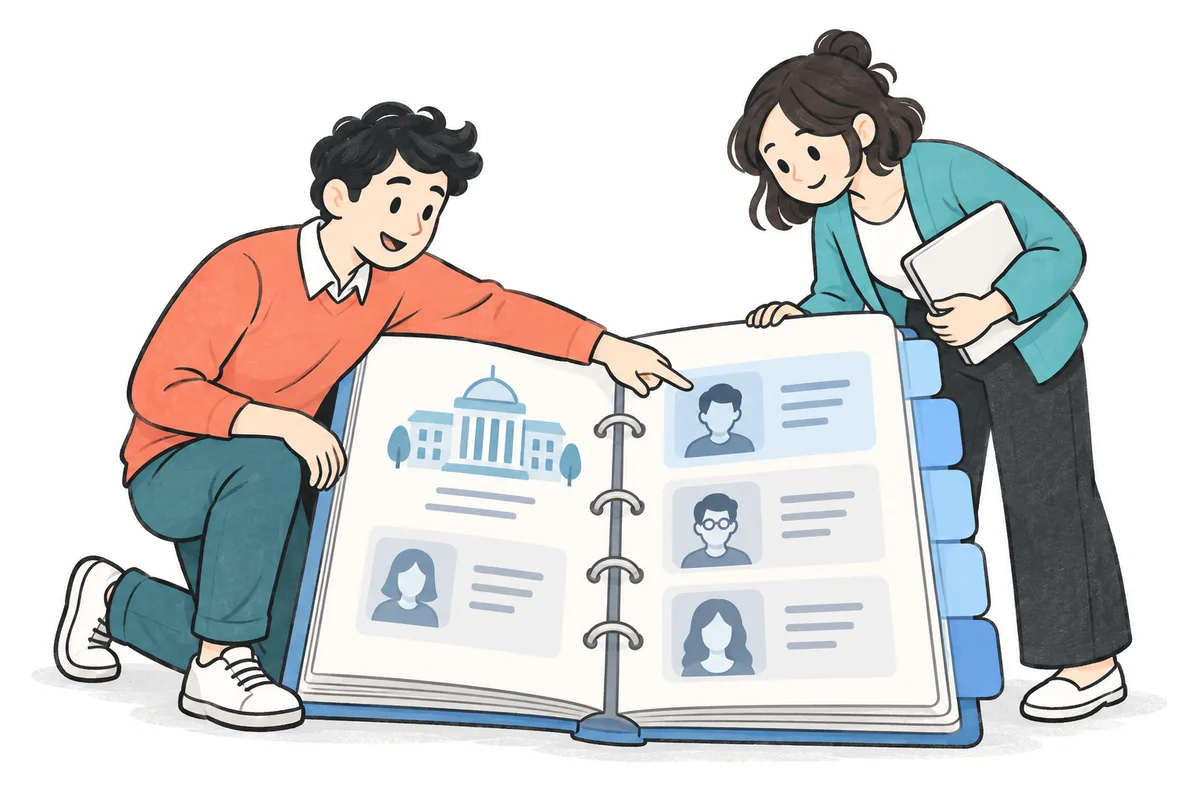
- Delivered search, department browsing, and self-service features in a refreshed application.
What changed
A new directory, grounded in how the university actually works.
Tufts moved from its legacy application to a rebuilt directory that supported its established workflows. Our work combined hands-on investigation of the old system with stakeholder input, turning incomplete documentation into a practical path forward.
How we approached it
Understand the system before replacing it.
With limited documentation, the existing code was an important source of requirements. We investigated how the directory worked and which behaviors and connections the replacement needed to preserve.
Bring stakeholder requirements together.
We worked with multiple university stakeholders to clarify what the directory needed to do. Their input helped us align the replacement with the teams and workflows it served.